
BACK TO BLOG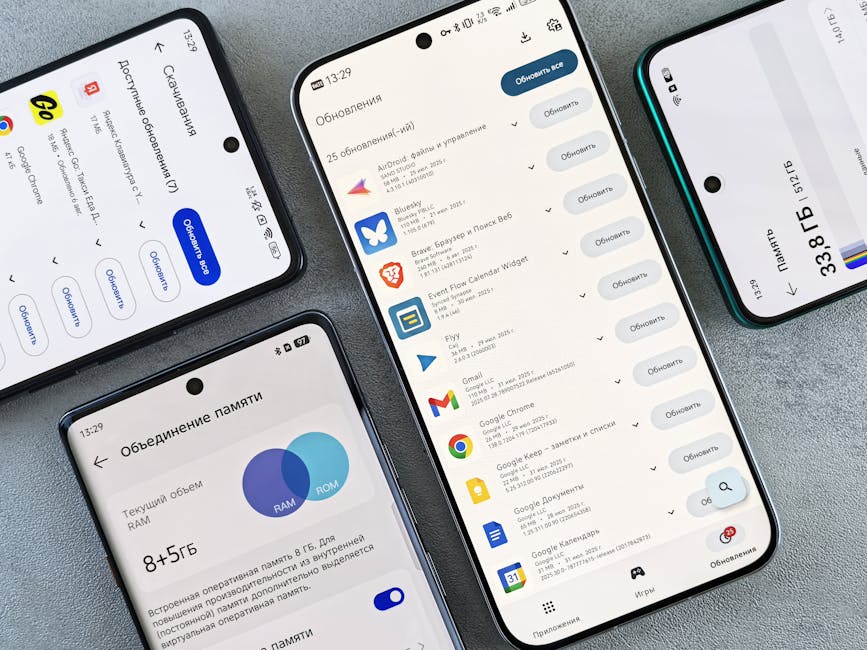
DevelopmentMar 12, 2026
Performance Optimization for Low-End Devices
Sarah Chen
10 min read
Ensuring your high-performance web app remains accessible and fast on older hardware and slower networks.
Sponsored Advertisement
Safe Environment•Premium Content•Powered by Google
Building for the latest iPhone is easy. Building for the billions of users on mid-range and low-end Android devices is where the real engineering challenge lies. In 2026, optimization for the "Next Billion Users" is not an act of charity; it's a massive market opportunity.
The "JavaScript Budget" Discipline
On a low-end device, the CPU is the primary bottleneck, not the network. We explore the "100kb Rule": ensuring that your critical-path JavaScript remains under 100kb compressed. We discuss "Code Splitting" by route and by device-capability, ensuring that low-end users don't download heavy animations they can't even play.Technical Deep Dive: Virtualization and Memory Management
Low-end devices have very little RAM. We examine "List Virtualization" (e.g., react-window) and "DOM Recycling" to ensure that long feeds don't crash the browser. We also discuss "Reactive Memory Management"—dynamically reducing the resolution of images or pausing background tasks when the browser reports low memory signals.Implementation Strategy: Adaptive Loading and Project Fugu
Load only what the device can handle. We provide a guide to using the "Network Information API" and "Device Memory API" to serve different "Experiences" to different users. We also cover "Offline-First" techniques using Service Workers to ensure that the app remains functional even on unstable "2G/3G" connections.Best Practices for Fast Perceived Performance
If it's not fast, it must "Feel" fast. We share strategies for "Skeleton Screens," "Optimistic UI," and "Critical CSS Injection" to ensure that the user sees content within the first 500ms of the request, regardless of their hardware. We also discuss the importance of "Touch Feedback" to prevent users from double-tapping slow-to-respond elements.Future Outlook: The Cloud-Assisted Browser
We predict a future where "Cloud-Browsing" becomes standard for low-end hardware. The device will act as a thin client, while a high-performance server in a nearby data center handles the heavy JavaScript execution and DOM rendering, streaming the "UI Updates" back to the device in real-time.Sponsored Advertisement
Safe Environment•Premium Content•Powered by Google